The Culinary Command Center

The professional kitchen, organized in your pocket.

Chef Architect Studio turns recipes, ratios, specs, production, purchasing, events, team communication, and financial intelligence into one metric-first operating platform for chefs and culinary teams.

Fred Raynaud
Built By The Person Who Needed It

Not a startup guessing what chefs want.

"Consumer recipe apps organize recipes. Chef Architect Studio operationalizes formulas — because that's what a real kitchen actually runs on."

— Fred Raynaud, Author of the book, The Chef Architect

Chef Architect Studio comes out of the same professional experience behind The Chef Architect: Concept Development & Design — decades of real kitchens, real operations, and real standards. Every formula, ratio, plate spec, and production workflow reflects how professional kitchens actually think, not how a consumer app imagines they do.

See the method behind the platform →
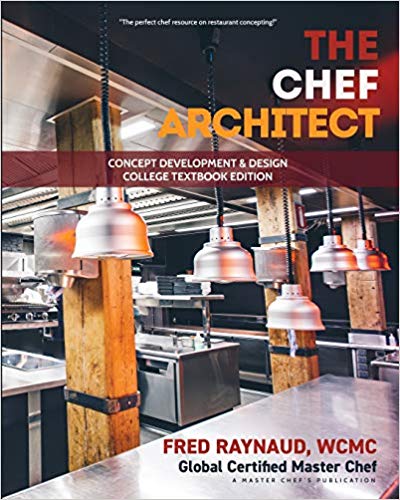
The Chef Architect book cover
The Published Method
The Chef Architect: Concept Development & Design
The professional framework behind Chef Architect Studio.
See The Command Center

Recipes. Ratios. Standards. AI.
In the chef's pocket.

Chef Architect Studio connects the work behind a professional kitchen: recipe formulas, ingredient conversions, plate specs, production needs, purchasing data, team communication, and financial insight.

Every screen is built around the same idea: metric-first standards, scaled by ratio, and DemiChef AI standing by to import, convert, and explain.

Not a note-taking app. A command center for the trade.

The Full Command Center

Everything a kitchen runs on, in one place.

Not a recipe app with extra tabs. Chef Architect Studio connects the formulas, specs, production needs, purchasing, events, margins, training, and AI support a working kitchen depends on.

01

Ratio Engine

Every formula scales from one control ingredient — change what's on hand and everything else follows instantly.

02

Recipes & Plate Specs

The professional record behind every dish: yield, sub-recipes, procedure, plate spec, photos, and standards.

03

Production Planning

Prep lists and production quantities generated straight from the formulas, scaled to what's actually being served.

04

Purchasing & Supply Chain

Order quantities and cost visibility tied directly to the recipes that consume them — no separate spreadsheet to reconcile.

05

Event Management

Plan catering and special-event menus against the same formulas and specs the daily kitchen runs on.

06

COGs & Margin

Real-time food cost percentage and margin per plate, calculated from the actual formula, not an estimate.

07

Team Communication & Training

One shared source of truth for the whole team — the same standard from any hand on the line, on any shift.

08

DemiChef AI

Built in, not bolted on — imports, validates, scales, and explains, and never silently saves an uncertain record.

The Ratio Engine

One control ingredient. Everything else follows.

Every formula in Chef Architect Studio identifies one control ingredient at 100%. Every other ingredient becomes a ratio against it. Change what you have on hand, set the yield you need, and the formula scales instantly in grams, with no mental math.

Chicken Marinade — Control Ingredient: 30 lb Chicken
Chicken100%13,607.8 g
Salt, kosher1.8%244.9 g
Garlic, peeled2.5%340.2 g
Olive oil8.0%1,088.6 g
Lemon juice6.0%816.5 g
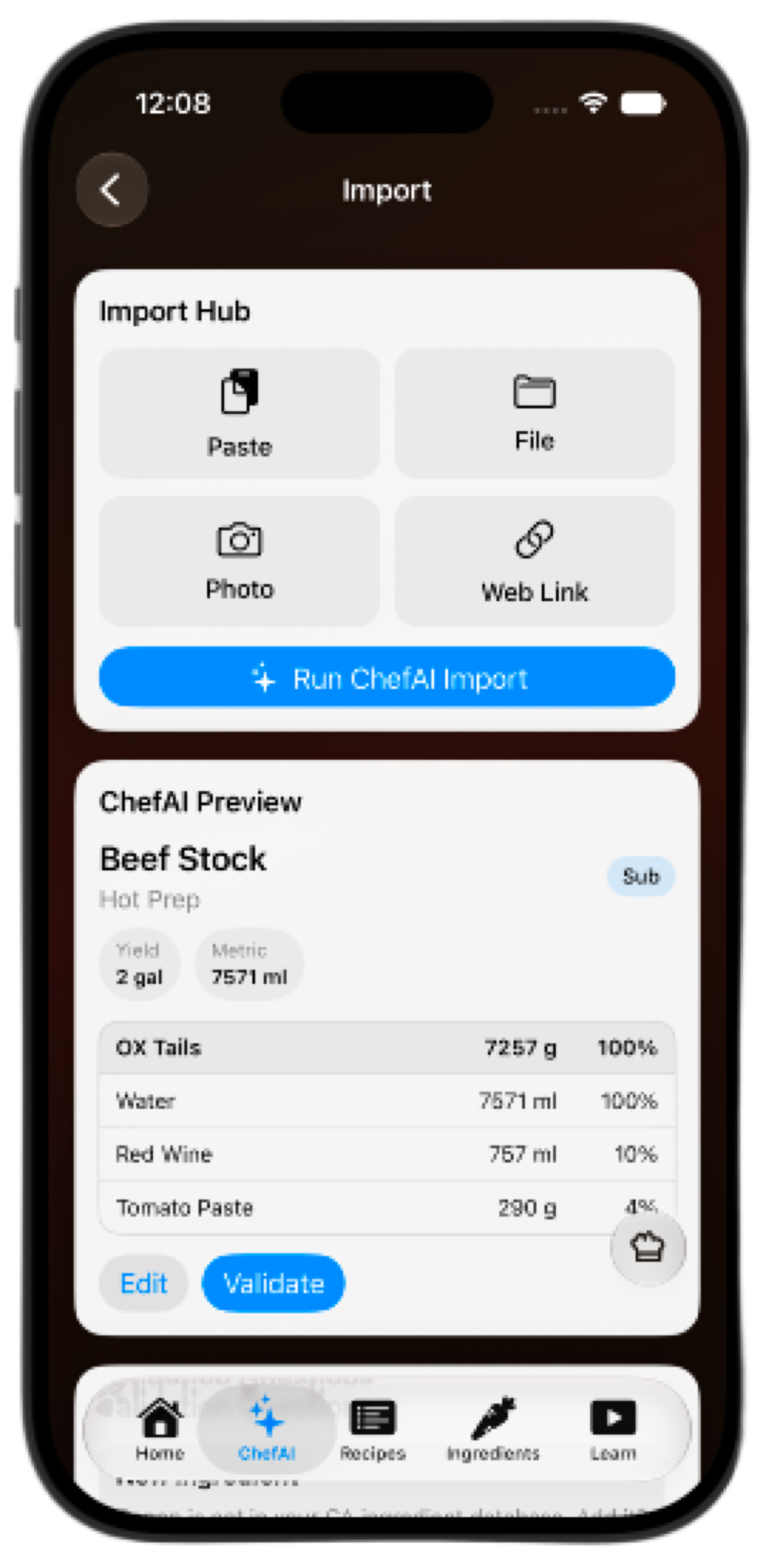
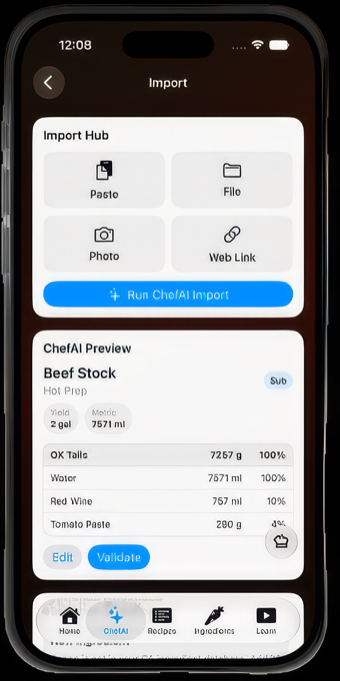
ChefAI recipe import screen showing ratio percentages
Three Views, One Formula

Built for whoever is holding the phone.

Tap any screen below to see it full-size.

9:41Chef Architect Studio
9:41CAS
Tap to view
01

Chef View

Complete professional recipe record: category, yield, control ingredient, ratios, sub-recipes, procedure notes, specs, costing fields, and standards.

9:41CAS
Tap to view
02

Cook View

Production-ready view: scaled quantities, method, timing, sub-recipes, and execution notes without extra chef/admin fields.

9:41CAS
Tap to view
03

Quick View

Fast kitchen lookup: recipe name, control ingredient, ingredients, and percentages for on-the-fly scaling.

The Full Interface

Tap through the platform.

A look inside Chef Architect Studio — six of the app's screens. Click any of them to see it full-size.

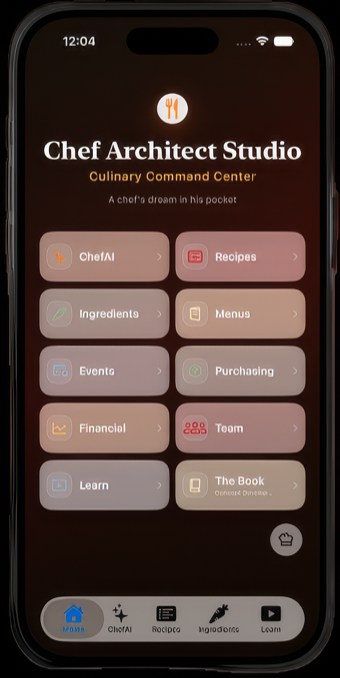
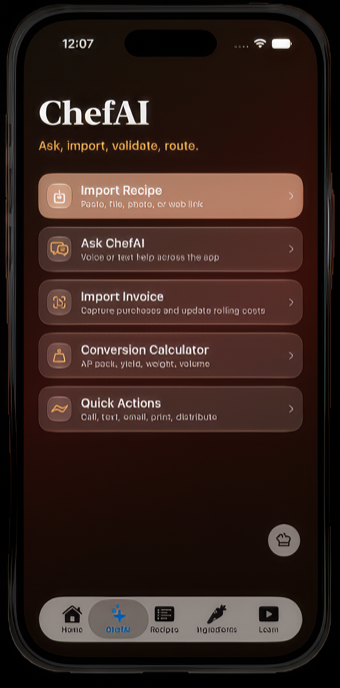
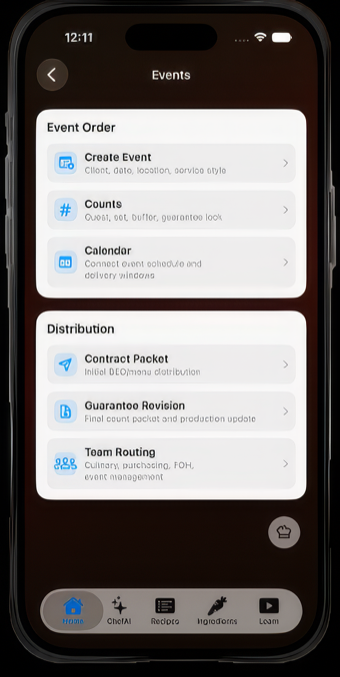
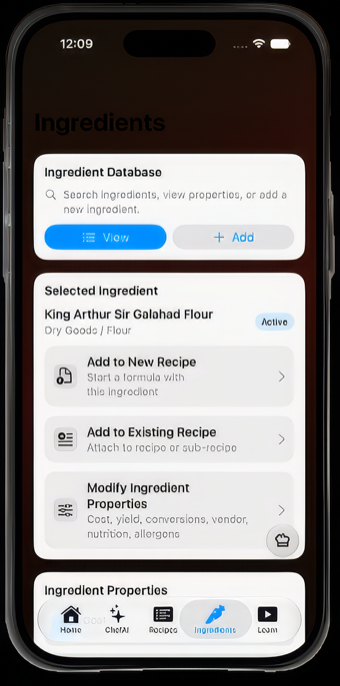
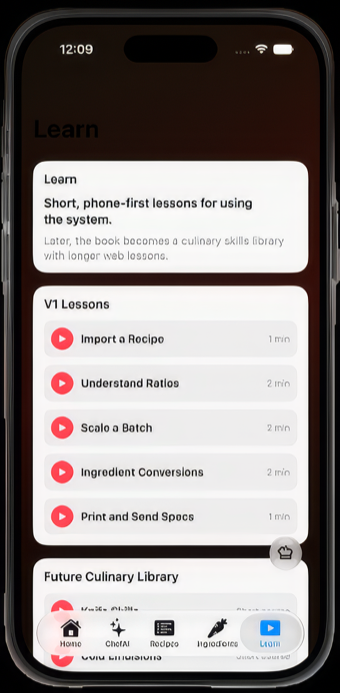
Chef Architect Studio home screen ChefAI recipe import screen ChefAI hub screen Events screen Ingredients screen Learn screen
Enlarged screen
Standards, Not Guesswork

The Gold Standard, built into the software.

Plate specifications, build-to cards, and sub-level recipes exist to make sure everything crossing the pass meets the same standard, every time, from any hand on the line. Chef Architect Studio turns that discipline — straight out of professional kitchen practice — into a repeatable workflow the whole team can actually use.

From The Chef Architect, Ch. "Specifications & Process"
The Word Picture
A word picture defines the intended dish before it reaches the plate: taste, aroma, temperature, texture, appearance, portion, and placement. Chef Architect Studio turns that standard into a photo-and-notes workflow the whole team can follow.
The method behind the book, at CELI →
Built For Multi-Unit Culinary Operations

Corporate culinary standards, deployed across teams.

The same discipline that keeps one kitchen consistent is what keeps a hundred locations aligned: standardized recipes, plate specs, production plans, purchasing visibility, training, and one shared source of truth.

Recipe, ratio, and spec standardization across locations
Chain-wide plate specs and build-to cards — the production standards behind every dish
Production forecasting by menu, event, or sales mix
Purchasing visibility and cost control
Training, rollout, and team communication
Menu engineering and contribution margin analysis
Branded internal knowledge through DemiChef AI
Powered by DemiChef AI — the AI culinary assistant that imports, validates, scales, explains, and protects your standards. Smart import from any format, ingredient validation, and formula intelligence — DemiChef AI never silently saves an uncertain record. You approve. It assists.